

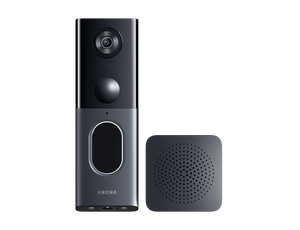
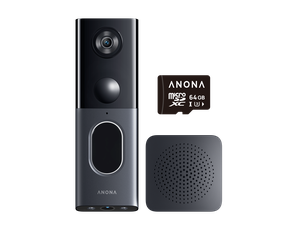
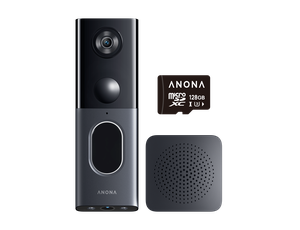
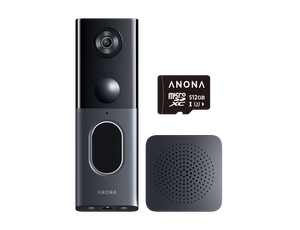





For years, cloud subscriptions quietly became part of home security. But in 2026, more homeowners are starting rethinking that tradeoff.
Interest in local storage security cameras and no-subscription security cameras keeps growing. Users want more control over their footages and fees. They also want more flexibility for daily monitoring.
As a result, local storage security is no longer seen as a niche alternative to cloud ecosystems. This article explains why more homeowners are choosing local storage security systems. It also compares setup options for different monitoring needs and property types.
Why Local Storage Security Cameras Are Becoming Popular Again
One of the biggest reasons local storage security cameras are making a comeback is simple. High subscription fees keep rising. Yet the service often fails to meet expectations.
Over the last few years, many security brands have gradually moved more features behind cloud plans. Extended playback history, smart AI alerts, package detection, and even advanced rich event notifications increasingly require ongoing payments.
For users who use fewer cameras, a subscription fee might be acceptable. For households running several cameras around a property, those monthly fees can quietly become a significant long-term expense. In addition, not all subscription services are what users actually need.
That frustration has pushed more buyers toward local storage security camera.
Local Storage: SD Card vs Centralized Hub Systems
Not all local storage security cameras work in the same way. Some local storage security cameras record footage directly onto SD cards. Others use centralized hub storage for multi-camera recording. Larger properties usually require more centralized storage management and multi-camera support.
For smaller setups, SD card recording is often the simpler option. A single front-door or indoor camera usually works well with SD card storage. It keeps setup simple and affordable for smaller home security systems.
As systems grow, centralized local storage becomes more useful for managing footage across multiple outdoor cameras. Larger properties with driveways, garages, backyards, and side yards often benefit more from expandable hub-based storage systems.
Rising microSD card prices are also making centralized local storage more practical for larger setups. A single SD card may still feel affordable, but buying separate high-endurance cards for multiple outdoor cameras adds up quickly over time.
Centralized local storage also adds extra protection for outdoor monitoring. Indoor hubs/bases continue storing footage even if the outdoor camera is removed.

What Actually Matters in Local Storage Security Cameras
Zero subscription fee is only one part of homeowners who end up satisfied with a Local Storage security system. The real difference usually comes down to how well the system fits into everyday life.
One of the biggest frustrations in outdoor home security is still installation. Wired systems can still be reliable, but they often restrict where you can place cameras. Running power cables to a detached garage, backyard gate, RV parking space, workshop, or side yard can be hard. It can be expensive or unrealistic for many homes.
Wireless security systems make outdoor monitoring far more flexible. You can place the security cameras based on your coverage needs instead of wiring limitations.
Solar power pushes that flexibility even further. It reduces the need for frequent charging and nearby power outlets. This works especially well for areas that are difficult to access every day. Long driveways, sheds, cabins, and rural entrances are common examples.
Smaller properties may only need a single indoor or front-door camera. Larger homes often require multiple outdoor cameras to cover driveways, garages, backyards, workshops, and RV parking areas. Larger home camera security systems usually need more centralized storage for easier long-term management.
The best local storage security cameras are usually the ones that balance the following practical needs:
Flexible installation: Wireless outdoor security cameras work especially well in places where wiring is difficult. Common examples include driveways, detached garages, workshops, and RV parking areas.
Expandability without subscription: Larger systems often require expandable local storage and centralized device management to keep long-term monitoring easier to manage.
Outdoor durability: Handle real outdoor conditions, including rain, heat, dust, and changing light. Strong weather resistance and stable power are essential for year-round monitoring.
Different Local Storage Security
Camera Setups for Different Homes
One reason many “Best Lists'' feel outdated is because they assume every homeowner has the same needs. In reality, the best setup depends heavily on the property, the monitoring area, and how the cameras will actually be used day to day.
The following are local storage security cameras that we selected based on different usage needs.
Flexible Outdoor Monitoring
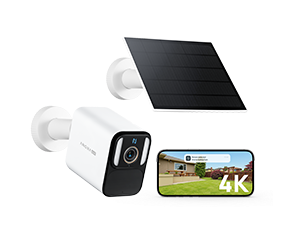
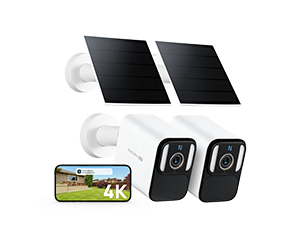
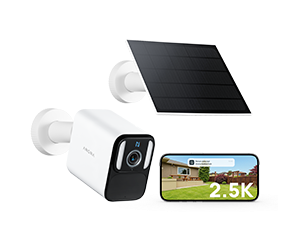
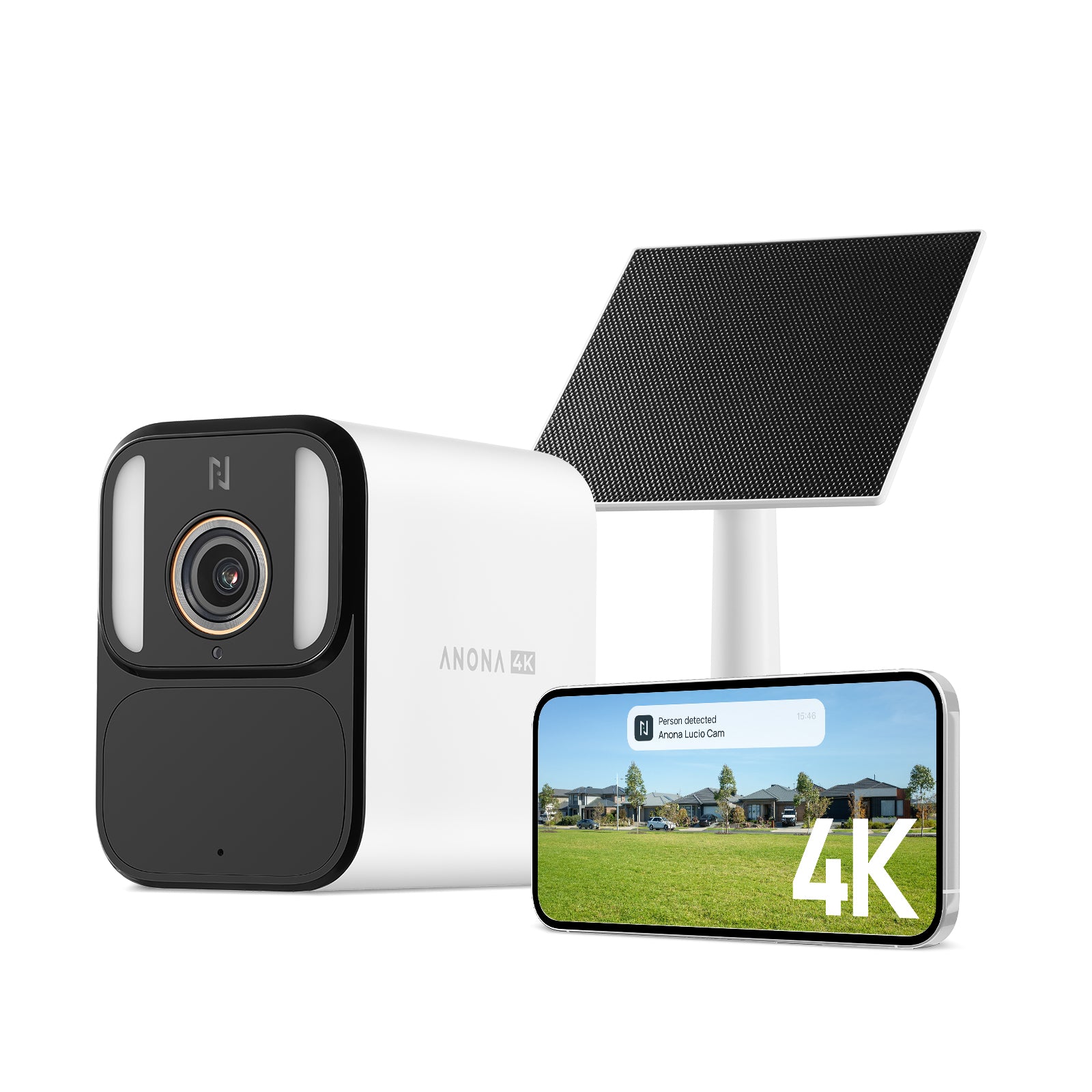
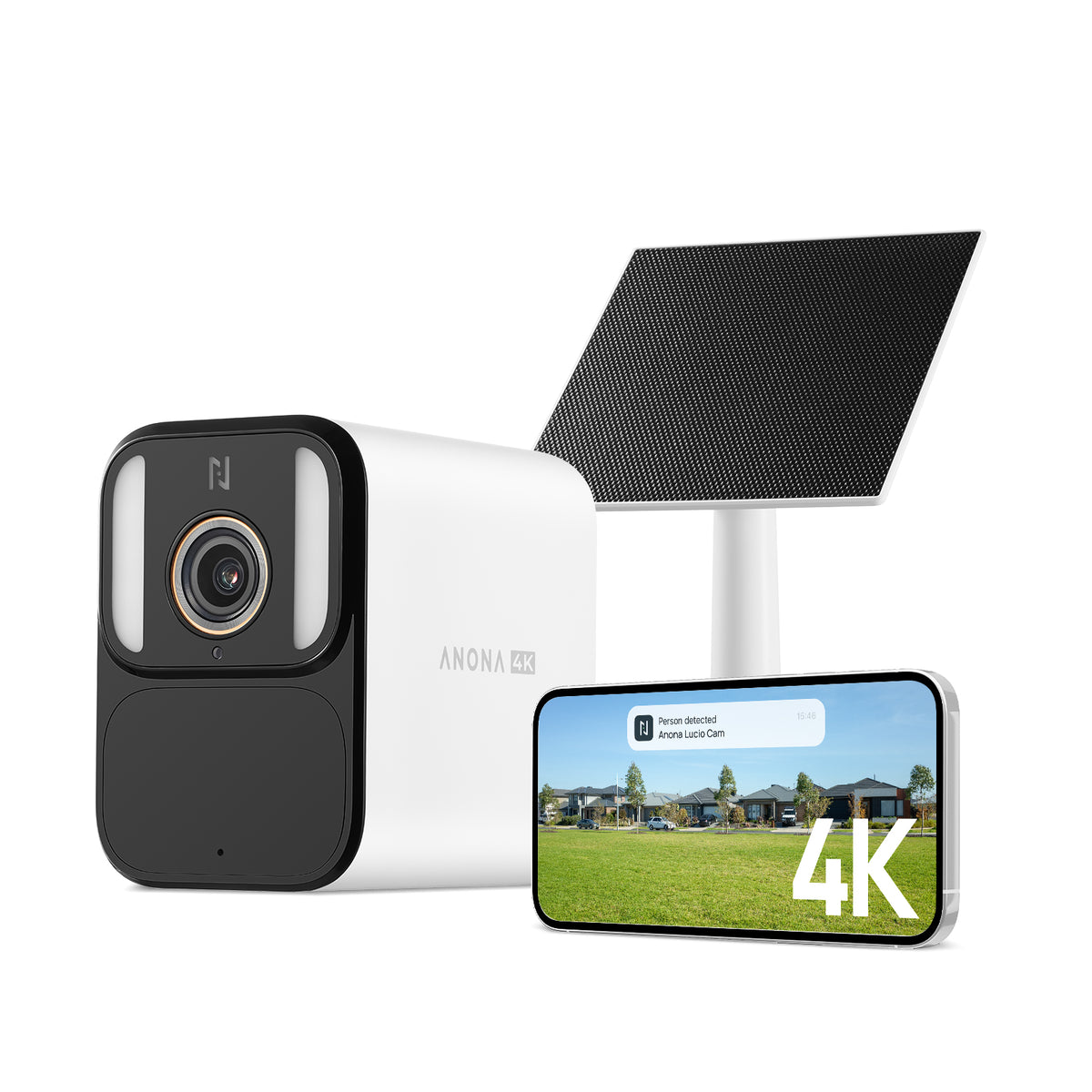
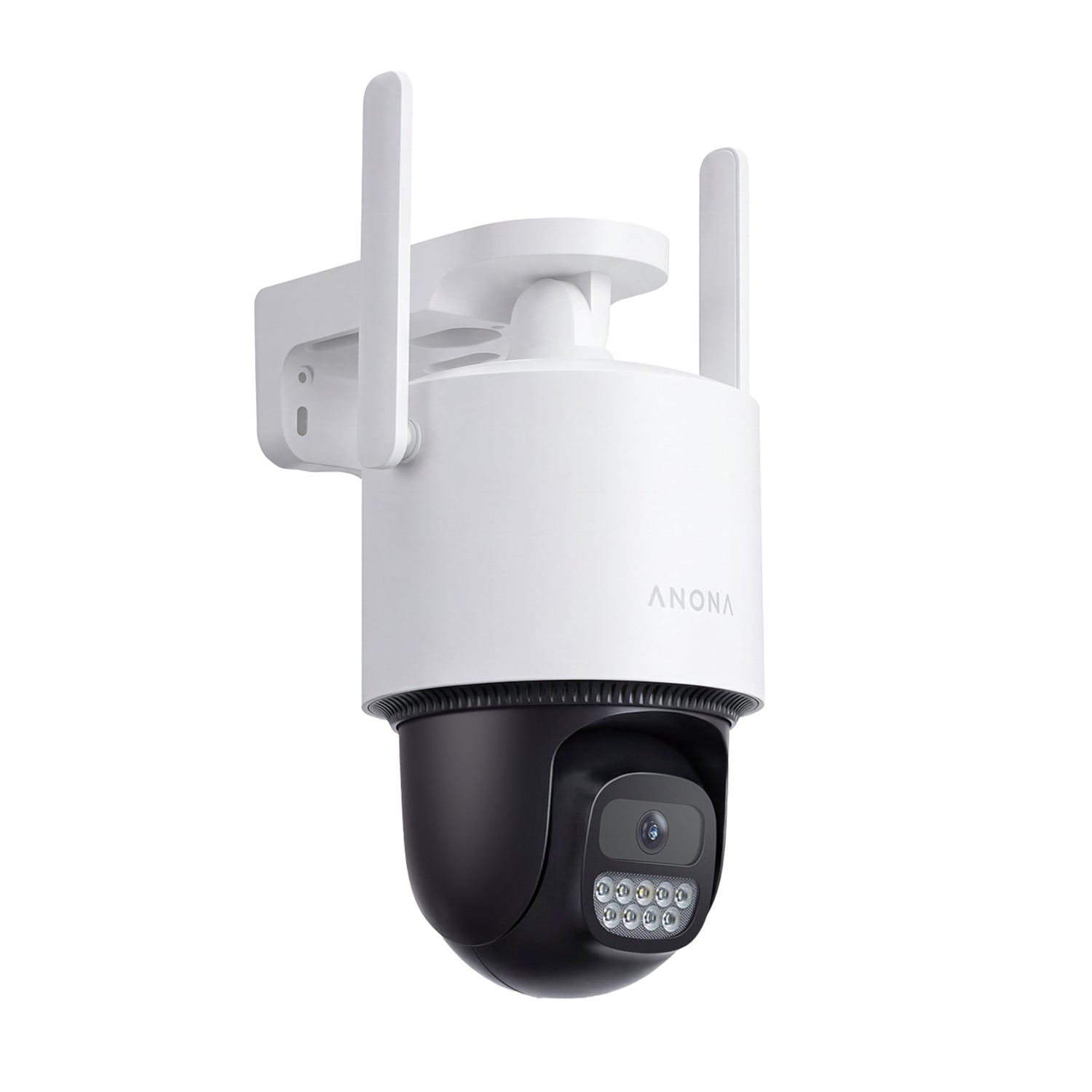
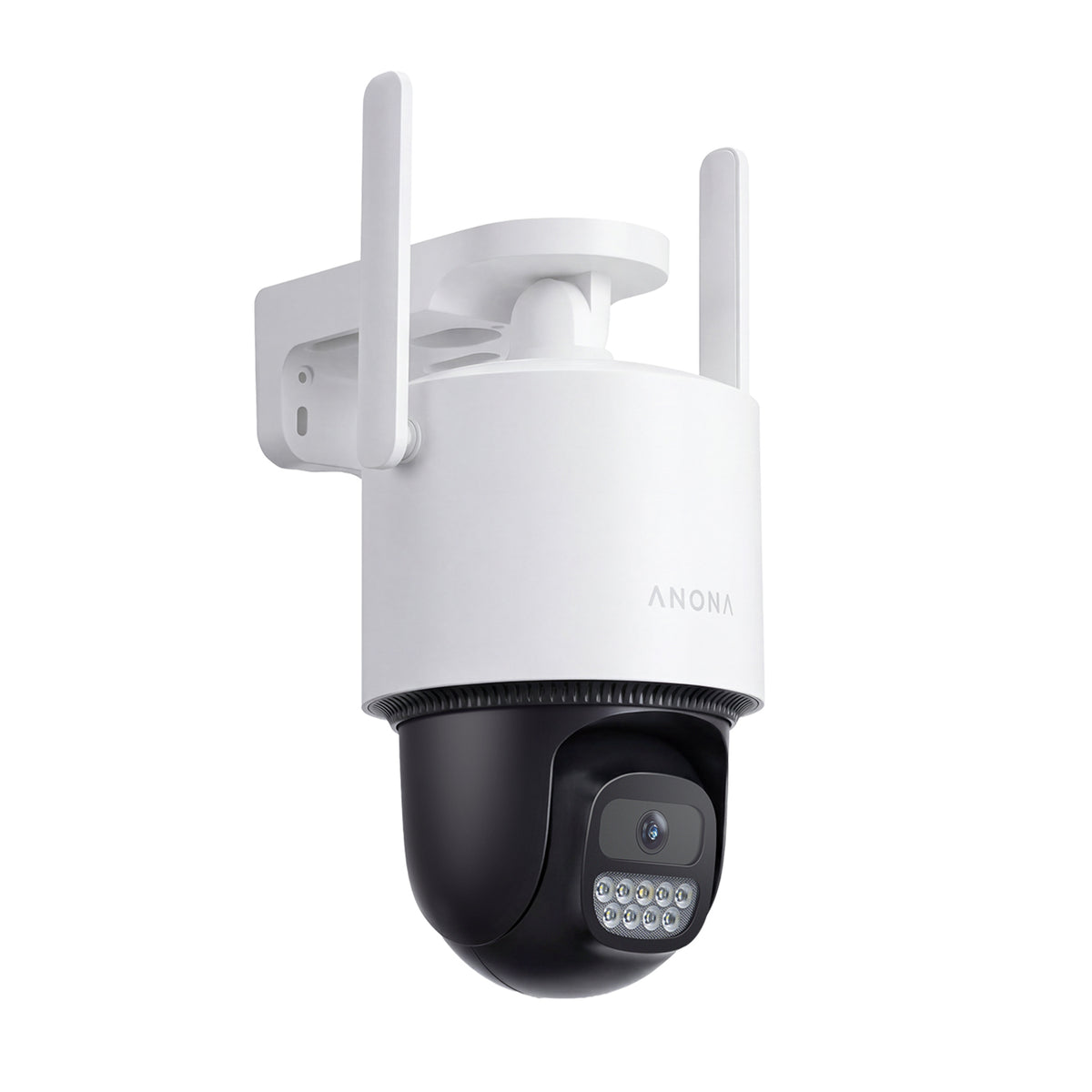
Anona Aurora | 4K Solar Outdoor Security Camera
For users looking for best wireless solar powered security camera for driveways, garages, backyard or RV parking, flexible installation and long-term outdoor reliability often matter just as much as image quality itself.
Anona Aurora is the perfect choice. Its solar-powered design makes placement far more flexible. Built-in local storage also helps homeowners avoid recurring subscription fees while keeping footage under their own control. Combined with IP67 weatherproof and 24/7 Always-On Video recording, Anona Aurora is designed to remain reliable across changing outdoor conditions throughout the year.

Expandable Whole-Property Setup
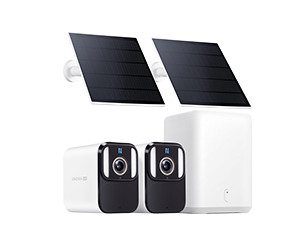
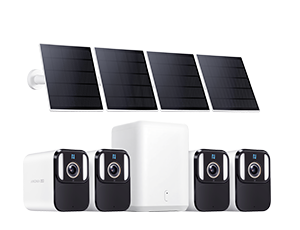
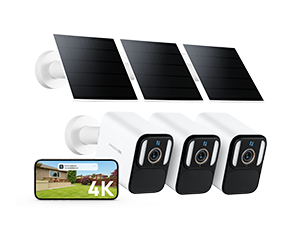
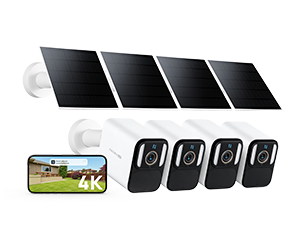
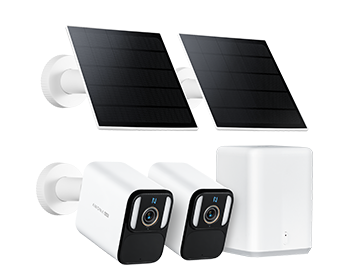
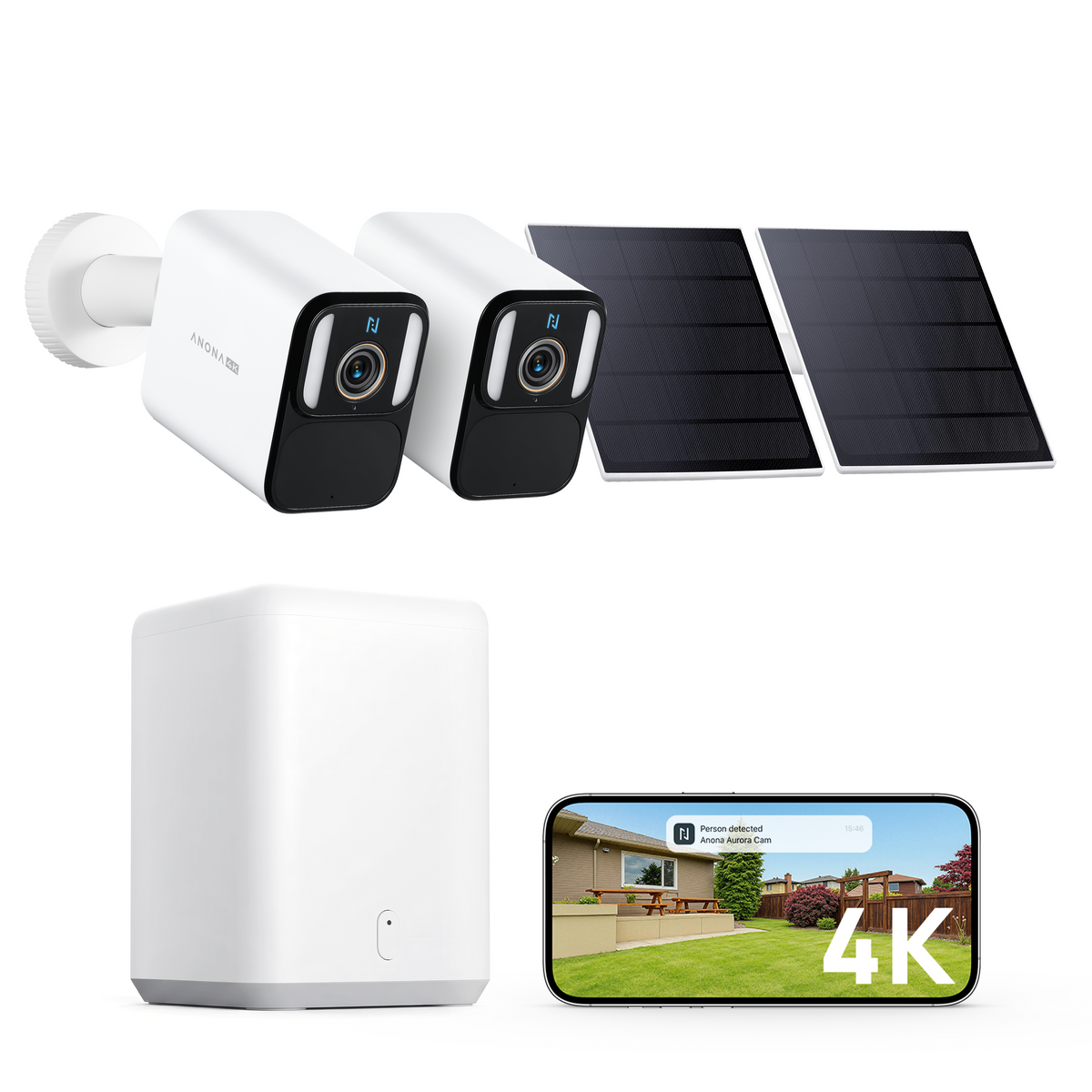
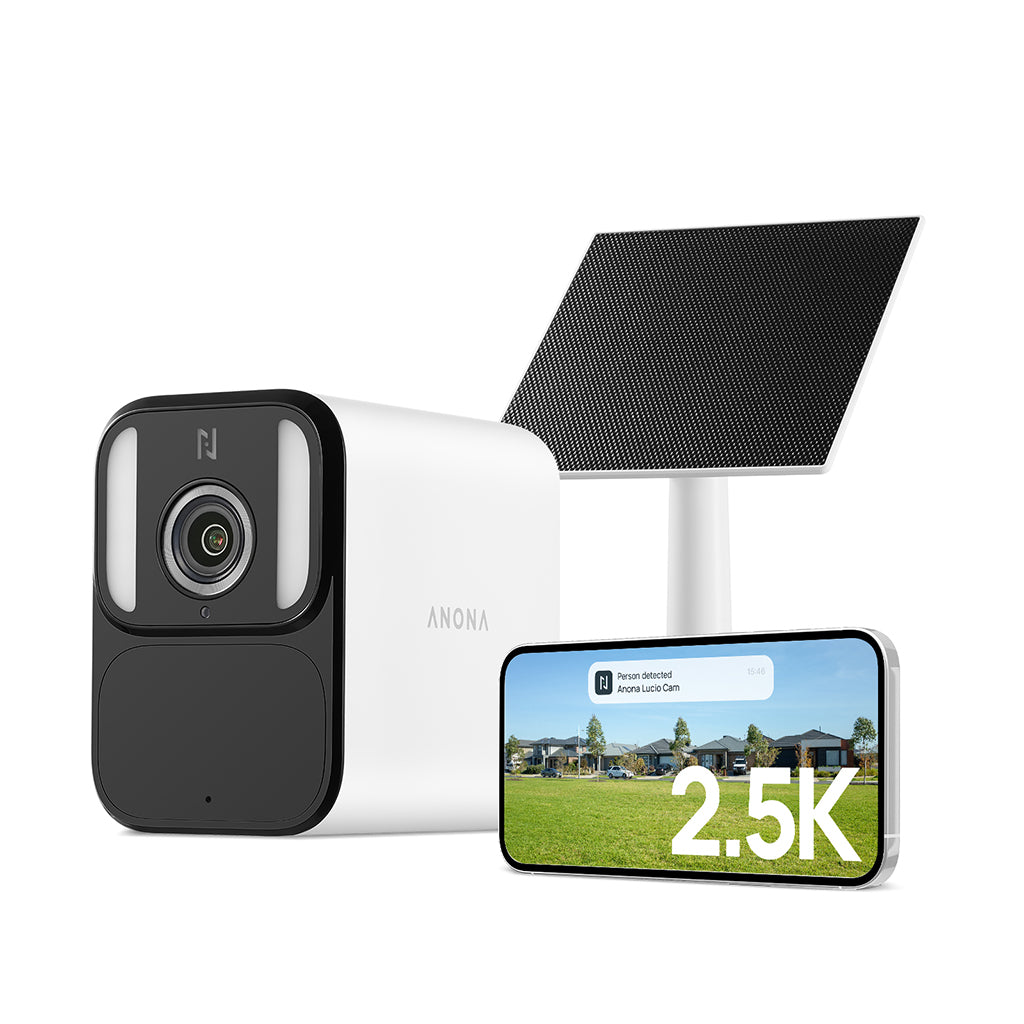
Aurora + SmartBase|4K Solar Home Security System
As more homeowners build a larger wireless security camera system without relying on expensive subscriptions, centralized local storage becomes increasingly important for managing footage across multiple outdoor cameras.
Aurora + SmartBase setup is designed around that idea. Instead of storing recordings separately across different cameras, SmartBase centralizes storage into one expandable local storage system, creating a cleaner experience for playback, footage management, and long-term recording.

Indoor Pet & Family Monitoring
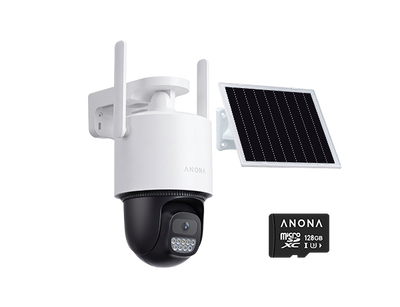
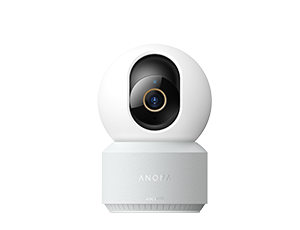
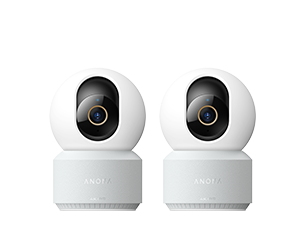
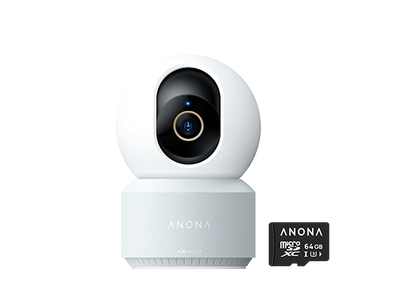
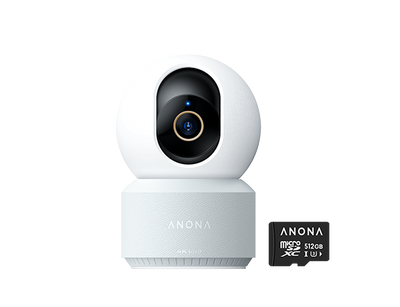
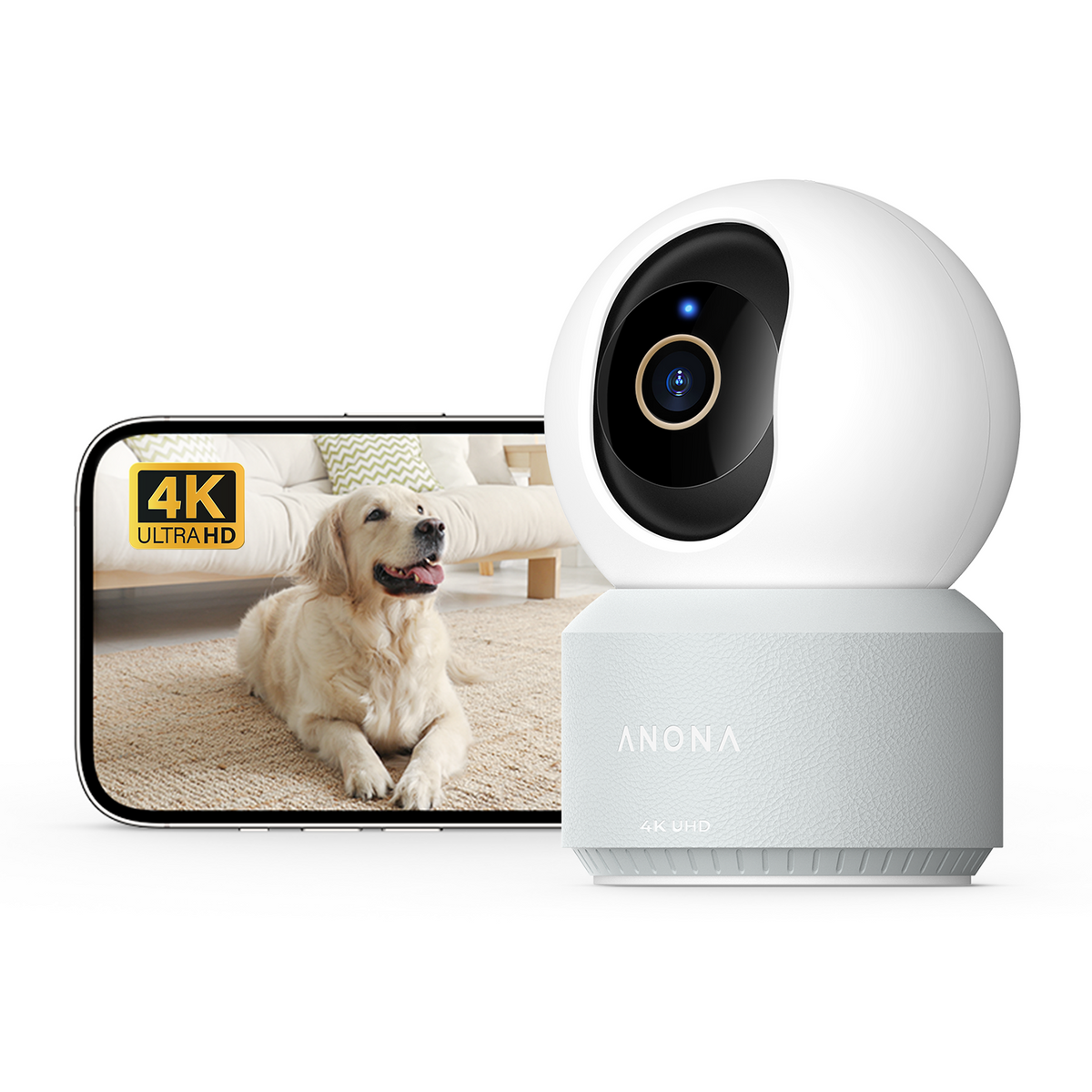
Anona Pano |4K 360° Pan Tilt Indoor Camera
Indoor monitoring has become increasingly common for pet awareness, family visibility, and everyday home security. But indoor cameras also raise more privacy concerns than outdoor systems, which is one reason many homeowners now prefer local storage security camera indoors as well.
Anona Pano focuses heavily on balancing visibility and privacy. Its 360-degree pan and tilt functionality helps reduce blind spots around living spaces, while local recording allows homeowners to maintain footage ownership without relying entirely on cloud subscriptions.

Local Storage vs Cloud Storage
But this does not mean that cloud storage has no users. The debate between local storage VS cloud storage has become one of the biggest discussions in modern home security.
Cloud storage still offers advantages. Offsite backups can provide additional protection if a camera is stolen or damaged, and some homeowners prefer fully managed cloud ecosystems that require minimal storage management.
But local storage has become increasingly attractive because it offers something many homeowners now value more: independence. For households running several outdoor cameras, the long-term savings can become substantial over time.
| Local Storage | Cloud Storage | |
| Subscription | No required monthly fees | Ongoing subscription costs |
| Storage Method | Footage stored locally | Cloud-dependent storage |
| Ownership | Better ownership control | Easier offsite backup |
| Internet Dependency | Works during internet outages | More internet-dependent |
| Long-Term Cost | Lower long-term costs | Recurring monthly payments |
In many ways, the popularity of local storage security camera reflects a larger consumer trend happening across technology products in general. Buyers are becoming more selective about subscriptions, more privacy-conscious about their data, and more interested in products that continue functioning fully after purchase.
FAQs
What’s the difference between cloud storage and local storage security cameras?
The biggest difference between local storage and cloud storage security cameras is how each system manages recordings. Local systems store footage on SD cards or local hubs. Cloud systems mainly rely on online storage subscriptions.
Are local storage security cameras better for privacy?
For many homeowners, local storage security cameras offer stronger privacy control because recordings stay on local devices instead of uploading continuously to cloud servers.
What is the best security camera without subscription fees?
The best security camera without subscription fees depends on your setup. Outdoor users often prioritize solar charging and weather resistance. Larger properties may benefit more from centralized local storage systems.
Do wireless outdoor security cameras work without Wi-Fi?
Many wireless outdoor security cameras continue recording locally even if the internet temporarily disconnects, especially systems designed around local storage recording.
Is a solar powered security camera reliable for outdoor use?
Solar powered security cameras have improved significantly in recent years. They are now reliable enough for everyday driveway, backyard, garage, and RV monitoring.
Final Thoughts
The growing popularity of local storage security cameras reflects changing homeowner priorities in 2026. More homeowners now prefer security systems that are easier to install and manage without ongoing subscription costs.
At the same time, no subscription security cameras have made local storage far more practical for everyday home security. Features like solar-powered monitoring and expandable multi-camera storage now support much larger systems than before. Ultimately, the right setup depends on the property, the coverage area, and how the system will be managed over time.

Leave a comment
This site is protected by hCaptcha and the hCaptcha Privacy Policy and Terms of Service apply.