

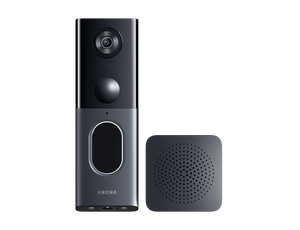
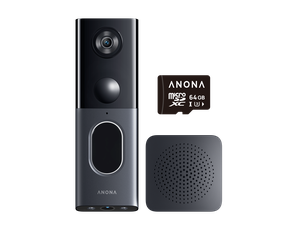
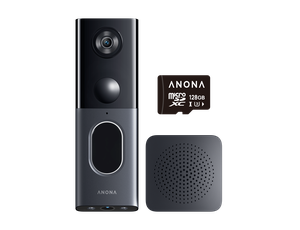
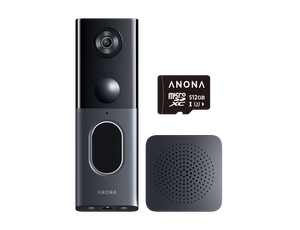





Anona Dual Cam Video Doorbell FAQs
Product Tutorial Videos

Installation Guide
Set up your Anona Dual Camera Video Doorbell with easy step-by-step installation instructions.

App Connection
Connect your Video doorbell to Anona App and start viewing visitors, receiving alerts, and managing settings remotely.

Google Home Integration
Connect your Anona Dual Camera Video Doorbell with Google Home for convenient voice control and live viewing.

Alexa Integration
Link your Anona Dual Camera Video Doorbell with Alexa to view live footage and control your doorbell hands-free.
User Manuals
FAQ-Getting Started
What do the indicator light colors mean?
- Blinking orange: Waiting for connection, network reset, or connection failed.
- Alternating orange and white: Wi-Fi connecting or OTA updating.
- Solid white (6s): Network connected, device awake, or update successful.
- Blinking white: Powering off, or doorbell button press feedback.
How to pair the doorbell and chime?
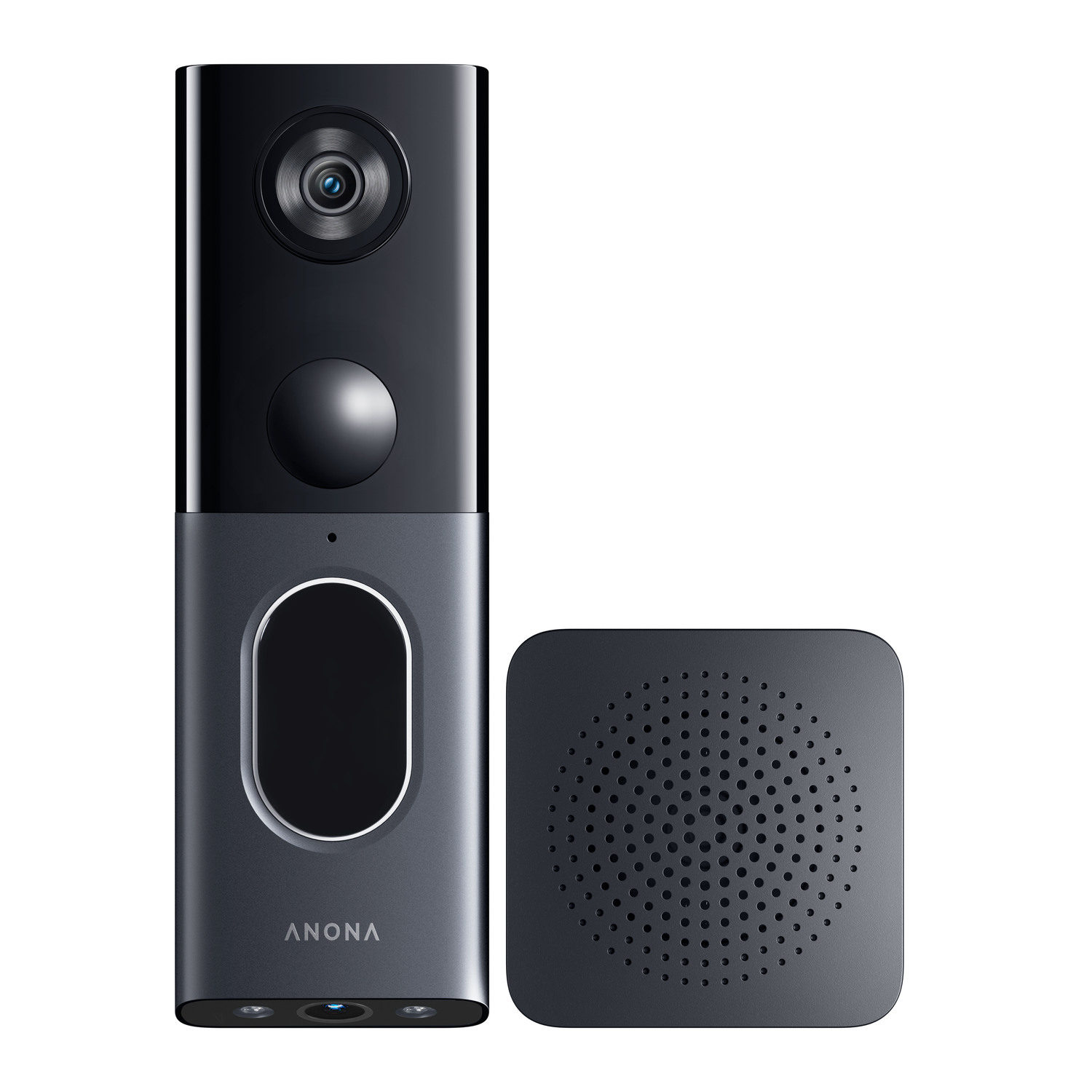
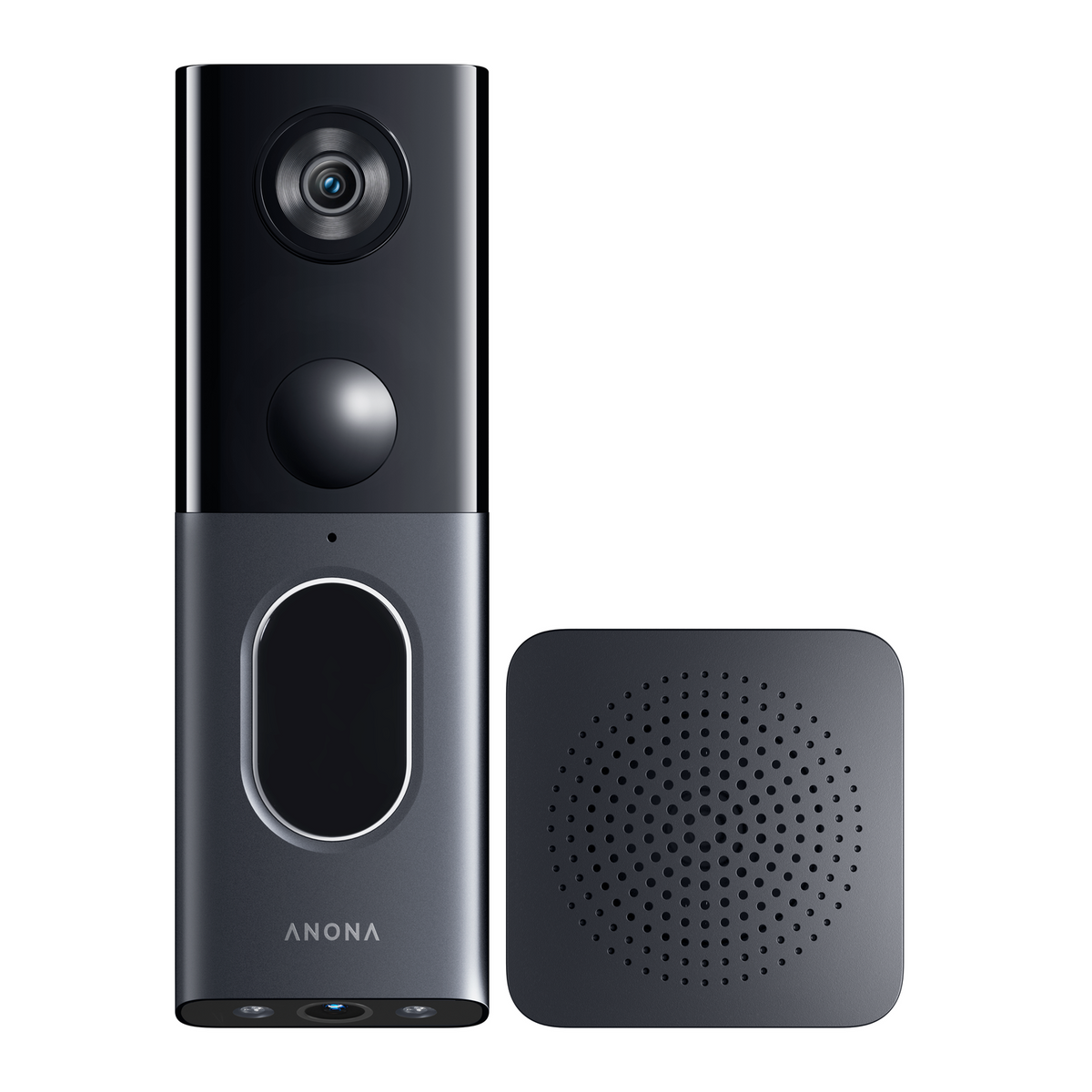
They are pre-paired at the factory and ready to use. To re-pair: press and hold the chime button for 3s to enter pairing mode, then bring the doorbell close and short-press the doorbell button once.
How to reset the device?
Press and hold the power button for 5s until you hear "Reset succeeded" and the orange light blinks. Resetting will not delete local SD card videos. Press and hold for 8-12s to force a reboot.
FAQ-Power & Battery
Does it support hardwiring? Will it overcharge?
It supports battery and constant power (hardwired/Type-C). In constant power mode, charging stops at 80% and resumes when below 75%, preventing overcharging.
Will it auto-shutdown in extreme weather?
When the battery temperature is ≥55℃ or ≤-20℃, the device pushes an alert and enters sleep mode. It resumes normal operation when the temperature returns to -13℃~50℃.
What is Power Saving Mode?
Triggered when the battery is ≤5%, it disables AI detection, auto-recording, and indicators, keeping only doorbell press alerts and anti-dismantle recording(). It exits automatically when charged to 6%.
FAQ-Storage & Recording
SD card requirements and full storage?
Supports 16GB~512GB. When available space is below 4%, it loops and overwrites the oldest videos and images.
Will SD card videos remain after changing accounts?
Binding a new account clears the original SD card videos. Re-binding with the original account keeps the videos.
Why is 24/7 recording split into clips?
In constant power mode, 24/7 video is saved every 60 minutes. If an event or button press occurs, the recording is briefly cut to save the event video first, then resumes 24/7 recording.
FAQ-Detection & Alerts
"Passed by" vs. "Loitering"?
"Passed by" means a human is detected but leaves quickly. "Loitering" means the human stays longer than the set threshold (default 6s, customizable).
How to set up package detection?
Package detection is enabled by default and relies on the sub-camera. You can set its detection zone in the App; you'll receive alerts when a package appears or is moved.
How to handle frequent false alarms?
If triggered falsely 20 times in 10 mins, you will get an alert. Try lowering the PIR sensitivity or adjusting the detection zone in the App.
Is there an anti-dismantle alarm?
The doorbell immediately records (with a 6s pre-roll) and alarms at max volume for 30s. The chime also alarms, and an emergency notification is pushed to all users.
FAQ-Audio & Video
Any limits on multi-user live view and intercom?
Supports up to 3 simultaneous live streams. Intercom is not concurrent; if one uses the mic, others must wait.
Why does live video quality auto-degrade?
During multi-user viewing, high-quality background recording, or low bandwidth, live quality drops to prioritize saving the recording, and a pop-up appears.
Why does it prompt "Transfer verification code required" when reconnecting?
This is a security mechanism to prevent unauthorized access, meaning another account tried to add the device while it was offline. The new account must enter a "Transfer Verification Code" generated by the original account's App to bind it successfully.
FAQ-Other
Sleep Mode vs. Power Saving Mode?
Sleep Mode is manually enabled to stop detection/recording (wakes only on ring) and must be manually disabled. Power Saving is an auto-protection triggered by low battery (≤5%).
How to protect privacy zones?
Enable privacy protection in the App and draw a zone; the system will block it with a black overlay in the video stream. The main and sub-cameras each support 1 zone.
Can it connect to existing wired chimes?
Yes. In hardwired mode, it can pair with existing mechanical or electronic chimes. For mechanical chimes, you can set the ring duration to 3s, 5s, or 10s.
Which smart home platforms are supported?
Supports Amazon Alexa and Google Assistant. You can use voice commands to view the live stream or intercom on smart displays.
Will OTA update failures damage the device?
It has a dual-backup mechanism; it auto-reverts to the old version upon power loss or timeout. Updates are blocked if battery ≤10%, and it supports 5-minute resumes on network drops.
Still Need Help?
We're here to assist you whenever you need us.


